Montana Businesses: Stop and Check Before Scanning That QR Code
QR codes have become a normal part of doing business. Montana companies use them for payments, menus, event registrations, invoices, equipment setup, customer reviews, and sharing documents.
Unfortunately, criminals use them too.
A fraudulent QR code can send an employee to a convincing fake website designed to steal Microsoft 365 credentials, banking information, credit card numbers, or other sensitive business data.
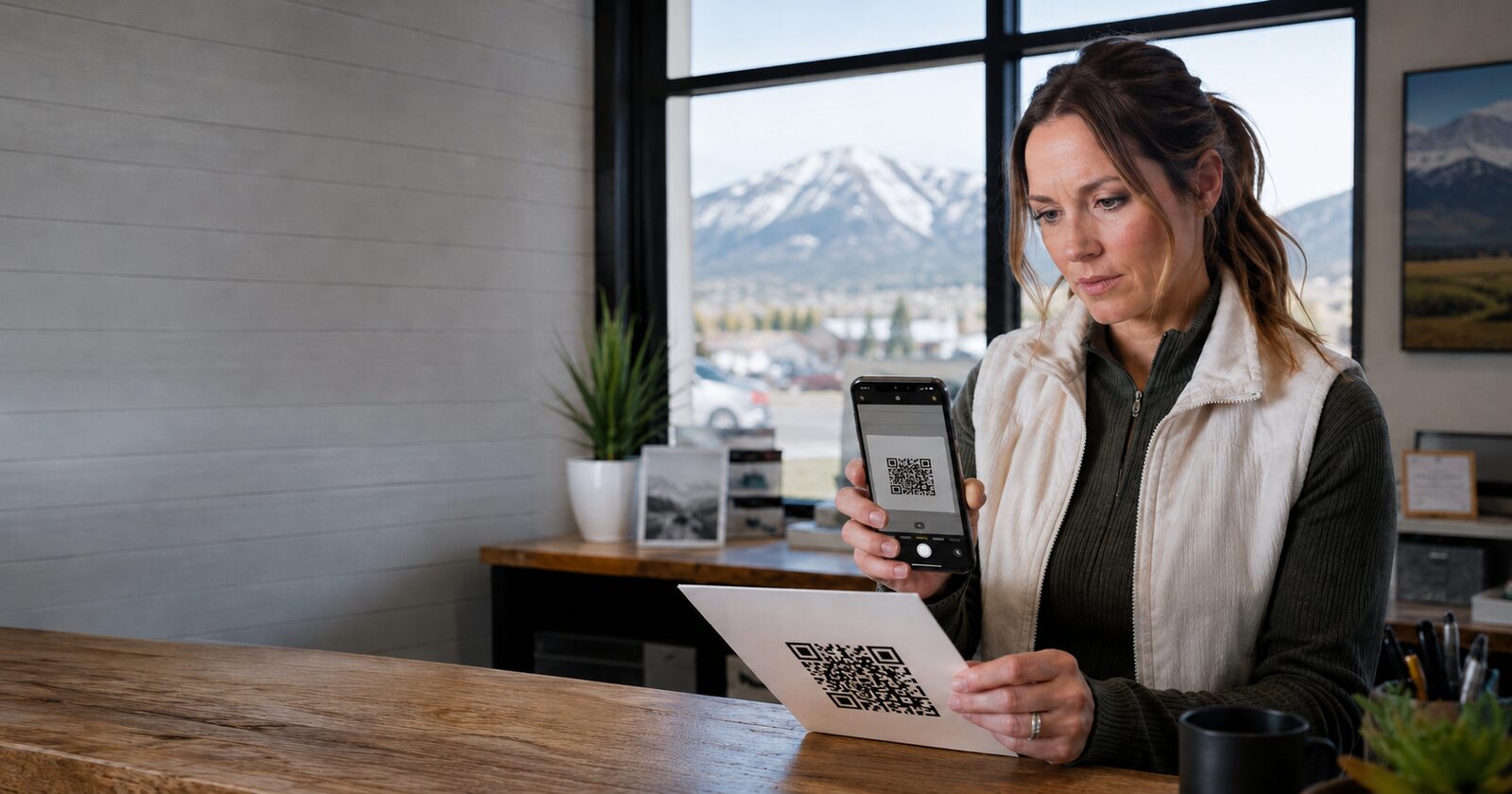
This type of attack is known as quishing—phishing through a QR code.
Why QR Codes Create a Business Risk
Unlike a normal link, a QR code hides its destination. Employees cannot see where it leads until they scan it.
Scammers take advantage of this by placing malicious QR codes in:
- Fake invoices and payment requests
- Emails pretending to come from Microsoft or another trusted company
- Unexpected packages
- Printed signs and flyers
- Parking meters and payment stations
- Restaurant menus
- Cryptocurrency payment requests
- Fake multifactor-authentication enrollment instructions
A criminal may also place a sticker containing a fake QR code directly over a legitimate one.
When an employee scans the code with a phone, the attack may bypass some of the protections installed on the company’s computers and email system.
The 10-Second Business Safety Check
Before scanning a QR code, take ten seconds and ask:
1. Was I expecting this?
Be suspicious of unexpected QR codes—especially when the message creates urgency or threatens an account suspension, late fee, missed delivery, or other penalty.
2. Does the code look altered?
Look for a sticker placed over the original code. If it appears crooked, raised, damaged, or recently added, do not scan it.
3. What website will it open?
Most phones show the destination before opening it. Read the address carefully.
Watch for:
- Misspelled company names
- Extra words or characters
- Unusual domain endings
- Shortened links that hide the destination
- Addresses that do not match the company
Remember that https and a padlock do not prove a website is legitimate. Criminals can also use encrypted websites.
4. Is it asking for sensitive information?
Stop if the website asks for:
- A Microsoft 365 or Google Workspace password
- A multifactor-authentication code
- Banking information
- Credit or debit card details
- Payroll information
- Permission to install an application
- Remote access to your device
Use the company’s official application or type its known website address into your browser instead.
5. Can I verify the request another way?
If the QR code is connected to an invoice, account change, payment request, or login, verify it using a trusted phone number or contact you already know.
Do not use the contact information included in the suspicious message.
A Simple Policy for Your Employees
Montana businesses should give employees one clear rule:
Never use a QR code to enter a business password, approve a payment, or change financial information unless the request has been independently verified.
Employees should immediately report suspicious QR codes involving:
- Microsoft 365 or Google Workspace
- Payroll or employee benefits
- Banking or wire transfers
- Vendor payment changes
- Invoices
- Password resets
- Multifactor authentication
- Remote-support applications
Reporting a suspicious code is not an inconvenience. It may prevent an account takeover, fraudulent payment, or data breach.
What to Do After Scanning a Suspicious Code
Simply scanning a QR code does not always mean your account was compromised. The risk becomes more serious if you entered information, approved a login, downloaded an application, or submitted a payment.
If you entered a business password
- Contact Phenicie Business Management immediately.
- Change the password from the legitimate website.
- Do not approve unexpected multifactor-authentication requests.
- Check the account for unfamiliar logins, inbox rules, or sent messages.
- Change the password anywhere else it was reused.
If you entered payment information
- Contact your bank or card issuer immediately.
- Ask whether the transaction can be stopped.
- Lock or replace the affected card if advised.
- Review recent transactions for unauthorized activity.
- Notify the appropriate person inside your business.
If an application was installed, disconnect the device from the company network and have it checked before using it again.
Do not wait to see whether something happens. The sooner an incident is reported, the better the chance of limiting the damage.
Protection for Montana Small Businesses
QR-code scams are another form of phishing. Technology helps, but employee awareness and fast reporting remain essential.
Phenicie Business Management helps Montana small businesses and nonprofit organizations protect their email, computers, accounts, and data. Our clients receive local support backed by modern cybersecurity tools and practical guidance designed for real businesses.
If you are a Phenicie Business Management client and something does not look right, stop and contact us before scanning, clicking, paying, or approving.
Phenicie Business Management
phenicie.com
406-382-9207
Sources

Brady Phenicie
Owner, Phenicie Business Management
Brady Phenicie is the founder and CEO of Phenicie Business Management, providing IT solutions and cybersecurity services to businesses across Montana.